Scrapling AI features connect the framework to assistants and coding agents, letting them fetch pages, drive browsers and extract content through a standard interface. The main piece is an MCP server installed with the scrapling[ai] extra. This article explains what the server does, how to start it and how to keep its use focused and responsible.
What the Model Context Protocol Adds
The Model Context Protocol, usually shortened to MCP, is a common way for AI applications to call external tools. An MCP server exposes a set of named tools, and a compatible client such as Claude or Cursor can call them while working on your request.
Scrapling's MCP server turns the library's fetching and browser capabilities into tools of this kind. Instead of copying page content into a chat by hand, you can ask the assistant to retrieve a page and pull out the information you need.
Installing the AI Extra
The MCP server ships as an optional extra. Installing it alongside the browser components gives the assistant access to both HTTP and browser-based tools.
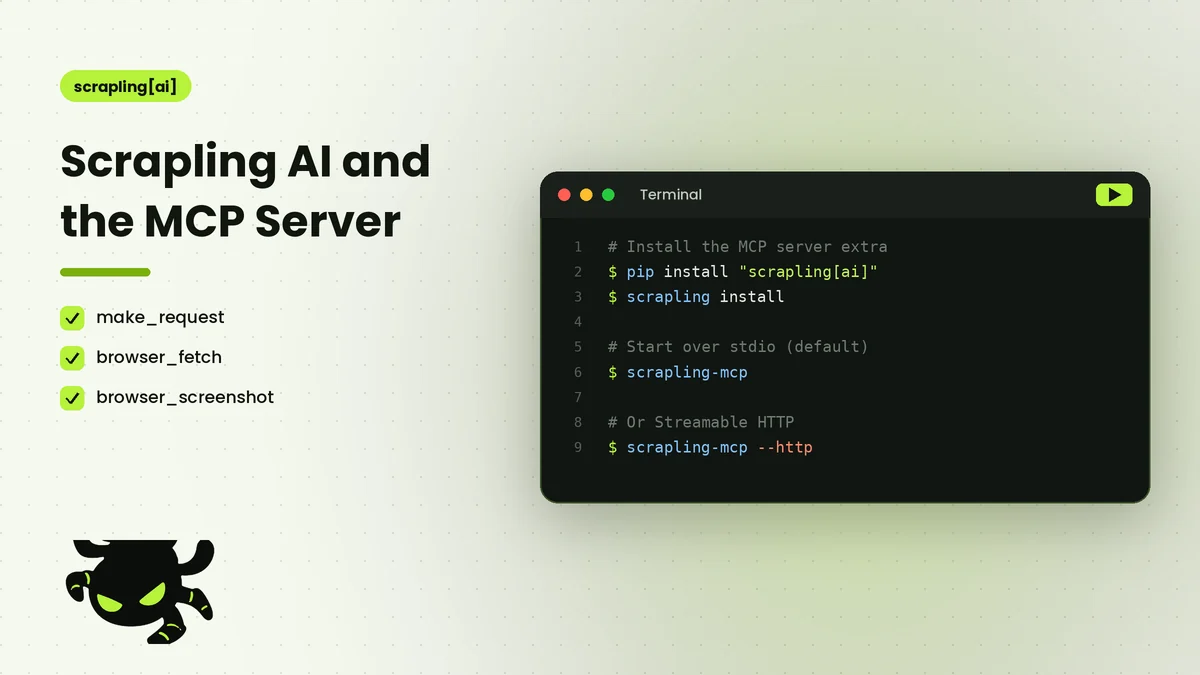
pip install "scrapling[ai]"
scrapling install
Using a virtual environment is still a good idea. Make a note of the full path to the scrapling-mcp executable inside that environment, because some clients need it in their configuration.
Starting the MCP Server
The server supports two transports. The default uses standard input and output, which is what desktop clients launch directly, while the HTTP option suits remote or shared setups.
# Default stdio transport
scrapling-mcp

# Streamable HTTP transport
scrapling-mcp --http
Most people never start the stdio server by hand. The AI client starts it automatically once the configuration points at the command, as shown in the Scrapling Claude setup article.
Tools the Server Provides
The official documentation lists seventeen tools. They cover single requests, persistent sessions, browser state and inspection, giving an assistant a broad toolkit for real pages.
| Group | Example tools | What they do |
|---|---|---|
| Requests | make_request, session_make_request | HTTP fetching, optionally within a session |
| One-off browser | browser_fetch_once | Open, render and return a page in one step |
| Sessions | browser_open, open_request_session, list_sessions, close_session | Manage persistent HTTP or browser sessions |
| Browser work | browser_fetch, browser_actions, browser_evaluate, browser_extract, browser_observe | Navigate, interact and read content |
| Evidence and state | browser_screenshot, browser_network_requests, browser_save_state, browser_load_state | Capture screenshots, inspect traffic, reuse sessions |
According to the project overview, the server also supports remote browsers over CDP. That helps when a browser runs on another machine or inside a managed service.
LLM-Ready Output
Raw HTML wastes tokens and confuses models with markup. The Scrapling project highlights Markdown output designed for language models, and its ContentSpider template can crawl a site into a Markdown corpus for retrieval systems.
The command-line extract tools support the same idea. Saving a page as .md and adding the --ai-targeted option produces content that is easier for an assistant to read and summarise.
scrapling extract get "https://quotes.toscrape.com/" quotes.md --ai-targetedRunning the Server in Docker
The official image includes every extra and browser, so it can host the MCP server without local installation. Over HTTP, the documentation shows an authentication token passed as an environment variable.
docker run -p 8000:8000 -e SCRAPLING_MCP_AUTH_TOKEN="<your-token>" \
  pyd4vinci/scrapling mcp --http --host '0.0.0.0'
Exposing a scraping server on a network deserves care. Use a strong token, keep the port behind a firewall or private network and avoid publishing it to the open internet.
Practical Uses for Scrapling AI
Connecting scraping tools to an assistant works best for tasks where conversation adds value. A few realistic examples show the pattern.
- Summarising the content of a documentation page or changelog
- Comparing information across several public product pages
- Checking whether a page layout still contains the elements a scraper expects
- Drafting selectors by letting the assistant observe a rendered page
- Capturing screenshots to confirm what a browser actually displayed
When to Write Code Instead
Repeated, high-volume jobs still belong in normal Python scripts or spiders. Code is faster, cheaper and easier to schedule, while the assistant is best for exploration, prototyping and one-off questions.
Responsible and Safe Use
Assistants act on your behalf, so the usual scraping rules still apply. Respect each website's terms, robots.txt directives and rate limits, and avoid collecting personal data without a lawful basis.
Prompt injection is another consideration. Pages can contain text that tries to steer an assistant, so review the actions it proposes and keep sensitive credentials out of the sessions it controls.
Choosing Between stdio and HTTP
The stdio transport is the natural choice for a single person using a desktop client. The client launches the server as a local process, so nothing listens on a network port and the setup stays simple.
Streamable HTTP suits shared or remote setups, such as a team server or a container running on another machine. It introduces network exposure, which is why authentication, private networking and careful logging become important as soon as you use it.
| Transport | Command | Typical setup |
|---|---|---|
| stdio | scrapling-mcp | One user with a desktop or terminal client |
| Streamable HTTP | scrapling-mcp --http | Remote server, container or shared team host |
Frequently Asked Questions
Which assistants can use the Scrapling MCP server?
Any MCP-compatible client can connect to it. The project documentation mentions assistants and agents such as Claude and Cursor.
Do I need the AI extra for the Agent Skill?
No. The Agent Skill only provides instructions and references for coding agents. The scrapling[ai] extra is needed for the MCP server.
Can the MCP server bypass every protection system?
No. Browser tools can handle many dynamic pages, but success against any protection system is never guaranteed and depends on the site and your permission to access it.
Conclusion
Scrapling AI support centres on an MCP server that gives assistants seventeen tools for requests, browser sessions, screenshots and extraction. Install scrapling[ai], start scrapling-mcp through your client and keep its use transparent and permitted. For agents that write code rather than browse, the Scrapling skill is the complementary option.